Are there any checks I can run pre-upgrade to avoid the upgrade to stop midway?
I tried to upgrade to 5.2-3 yesterday (from 5.0-10 errata1318) and got various messages (one of them that errata had to be a higher one than installed) and at some point there was no progress anymore, so I restored a backup of the VM.
How can I check if Keycloak has been set up correctly and that there are no references to Kopano anymore?
There were errors regarding that, also but I had to have the system running again as I’m going on holiday.
Ideally I want to solve any problems the upgrade might run into beforehand.
The script shows everything as ok but if I start the upgrade, I get errors regarding
Keycloak migration status old objects
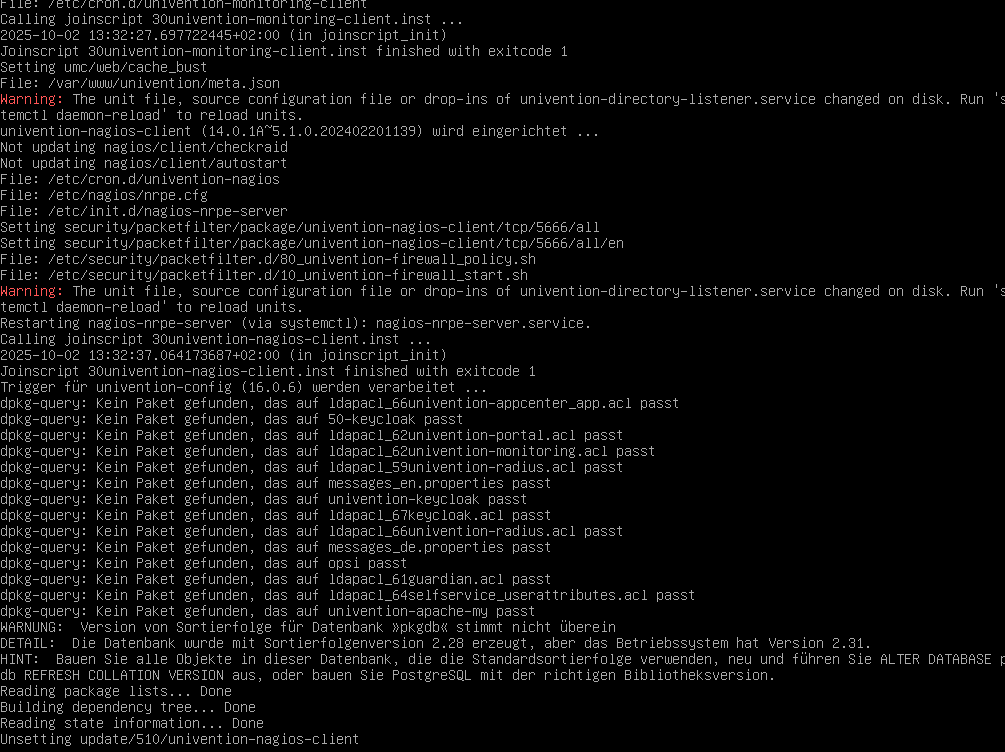
some Nagios LDAP objects which have to be removed
LDAP migration works but the descripiton (Migration of OpenLDAP database backend from BDB to MDB) says to “service start slapd” which results in an error telling to “systemctl daemon-reload”. Not a biggie but I would expect descriptions from Univention staff to be correct.
errors about ProFTPd (which I have removed now)
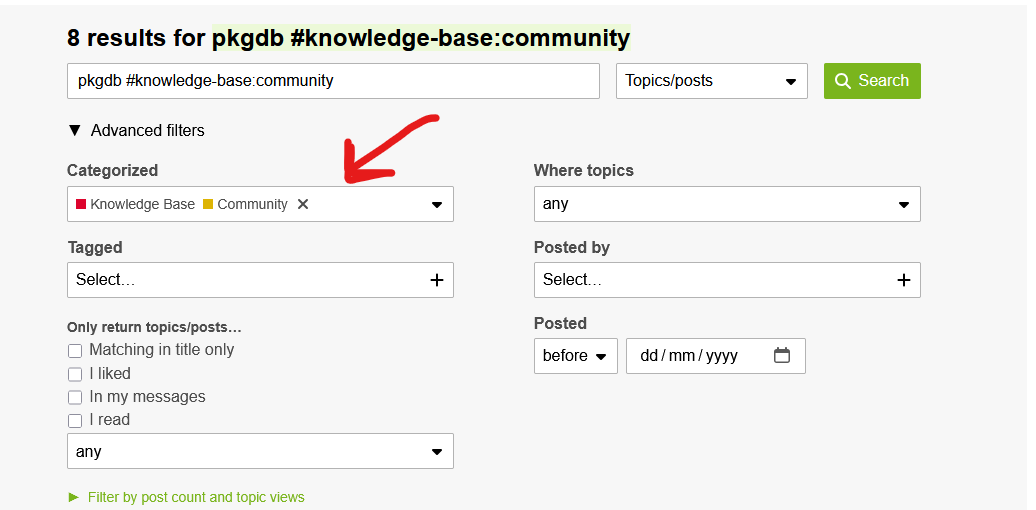
pkgdb sort order (don’t know if this is translated correctly as I use a German version), I couldn’t find anything about this in the forum but it seems to be related to Postgres which I upgraded to v15 some time ago without any problems (afair).
NONE of those showed in the pre-upgrade check script!
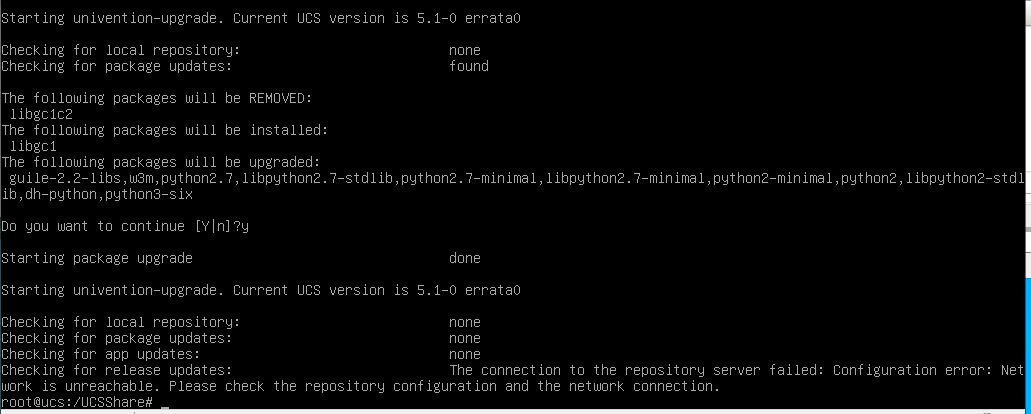
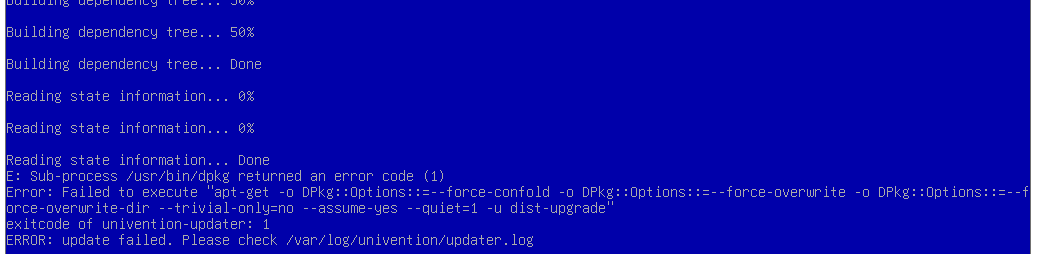
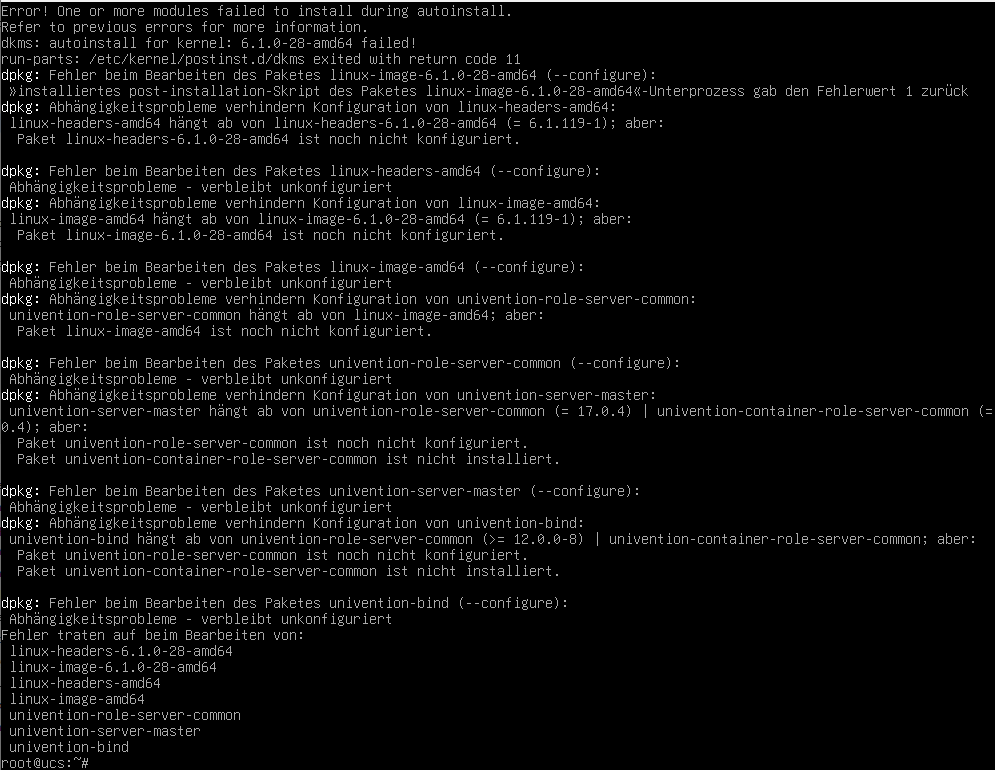
But what I have found to be the worst error is that after taking care of all of this (except for the pkgdb errors as those only showed later) the upgrade to 5.1-0 fails and the errata level is 0 (zero) afterwards and nothing works afterwards.
So I’ve gone back to a backup and done everything which I already know I have to do and am making a backup now before trying again.
After taking care of the errors above and making a backup, I again get the PG errors mentioned above and, again, the upgrade fails.
And again, the errata level is 0
I don’t know why the network should not be available for this specific VM.
I can ping internal & external IPs but the DNS resolver does not seem to work
The pre-update script only checks certain requirements for the respective upgrade, but understandably cannot check or point out all potential sources of error. The respective exams can be followed [here] (updates.software-univention.de).
They appear to have several sources of error that now need to be successively identified and eliminated in order for the upgrade to be successful. Since they are upgrading from 5.0 to 5.2, they should run all update checks available for the respective UCS version and not just the one for the target version.
Keycloak: If necessary, does our documentation help?
slapd.service: check with journalctl which error messages prevent the service from starting.
proFTPD: So everything is ok?
Connection lost during upgrade: is the network stable and has been checked? Upgrades via the command line should always be done with a terminal multiplexer such as screen or tmux (you can’t see it in the screenshot).
Since there are several error patterns here, you should check the system thoroughly and also carry out the system diagnosis. Unfortunately, concrete information is not possible without knowledge and history of the system, setup and components involved. If necessary, we have a partner network where you can hire partners for troubleshooting. Maybe this is an option for you?
I had to remove the univention-dhcp before the update and reinstall once on 5.2
If you search this forum, you should find most answers for 5.0 to 5.2 upgrade. Pre-update checks, Keycloak migration, etc… have backups of the machine available and you can definitely do it.
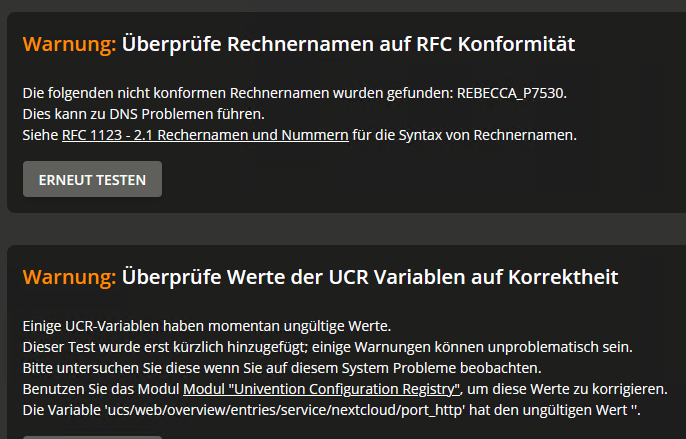
The first message relates to a computer name, the second one to the http port of nextcloud which I have configured after the message appeared (but which was obsolete after rolling back).
Will follow with a new message below with the latest errors and system description.
I first installed UCS with version 2, already, and upgraded ever since.
A new install was only ever necessary during my first tries.
I replaced a Windows DC with this and used Kopano to replace an Exchange server and installed also Nextcloud to replace a no longer supported Windows version of Owncloud.
So, all in all, this is a very basic home use installation, running on Windows server in a Hyper-V environment with only one UCS server, about a dozen computers and VMs (Windows and Linux) and only a handful of family users.
I have been able to upgrade and replace defunct apps so far using the internet and the Univention forums but this time it is far more complicated than in the past.
Next steps I will try is to
remove all old LDAP entries regarding Kopano and Nagios