The egroupware version is 23.1.20260224
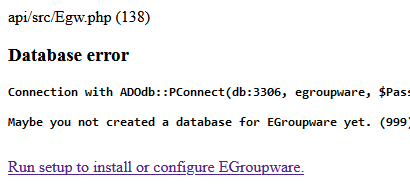
eGroupware was running well. I updated to the current UCS and eGroupware versions and can no longer log into egroupware. I get:
Any pointers at how to reestablish the link to the database? I don’t think I have any notes as to the password used to create the mysql egroupware database.
Thank you,
John
Hi John.
It is unclear what happened there.
There is another post about this here on the forum (German):
https://help.univention.com/t/mariadb-status-gestoppt-kann-nicht-auf-lauft-geandert-werden/25037
What exactly have you updated?
Stefan
Stefan,
I simply applied the system updates and the application updates. Nothing out of the ordinary. Though, I didn’t create a VM backup prior to the update.
I found the egroupware secret files.
Mariadb/mysql is running. I found the egroupware secret file. I will try to reestablish the database for the application and header info.
Just don’t know why it broke like this.
Thank you for the link.
John
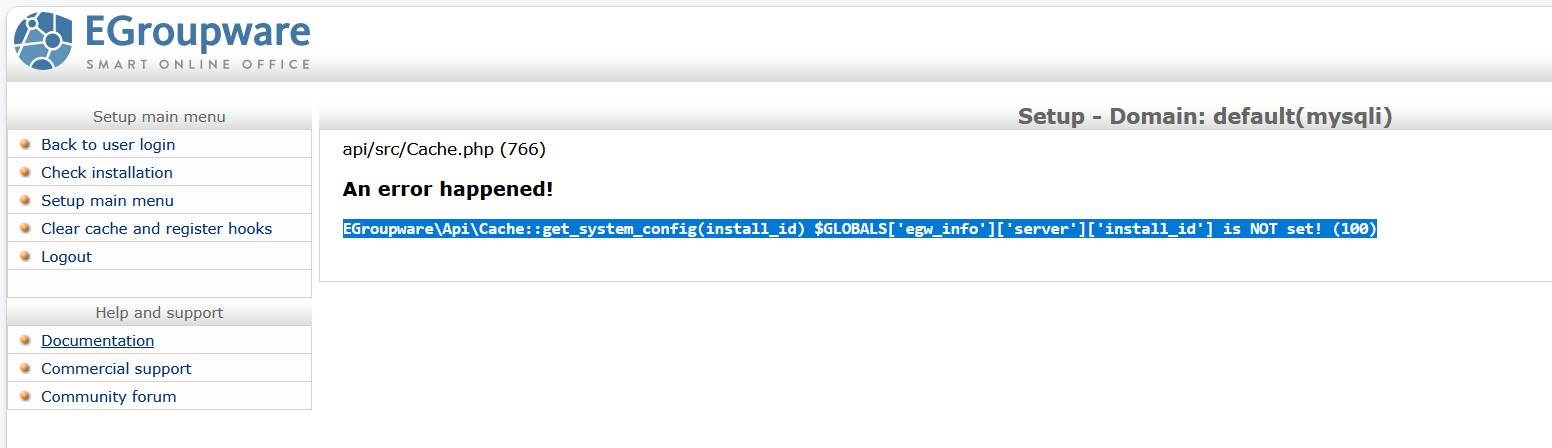
I used the credentials in the egroupware-secret file to log into the egroupware configuration page. All of the system checks appear to be ok, but, the database still fails. I then tried to clear the cache and register the hooks and received:
Not sure where to locate the install_id or where to insert it into the database.
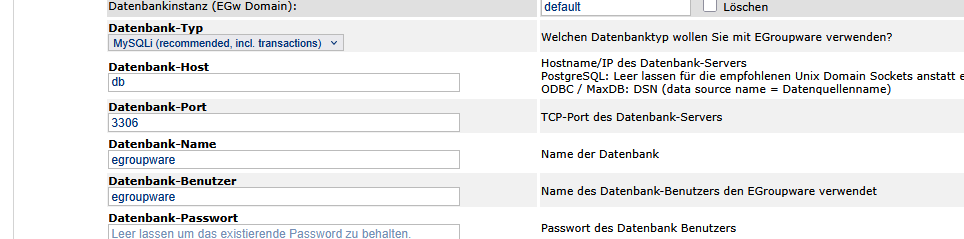
For me, the Egroupware Update to 23.1.20260224 had removed the Database server IP from the header.inc.php and put “db” there. See screenshot.
I ran "docker exec -it egroupware /bin/sh -c “cat /etc/hosts” to see which IP egroupware had. In my case that was 172.16.1.2
So the host with the database has 172.16.1.1 for egroupware.
I edited /var/lib/egroupware/header.inc.php directly and ran docker restart egroupware. Worked!
For good measure I rebooted the server, in case any other connection did not catch my repair. I hope that fixed everything. Looking good so far.