Question
Is it possible to use WebAuthn passwordless authentication in UCS?
Answer
Yes, it is possible to use WebAuthn for passwordless authentication in UCS with Keycloak >=26.4. However, please note that this currently requires the “Import Users” setting to be enabled within your LDAP federation settings, which changes the ID of the users.
Here are the steps described for an example setup:
-
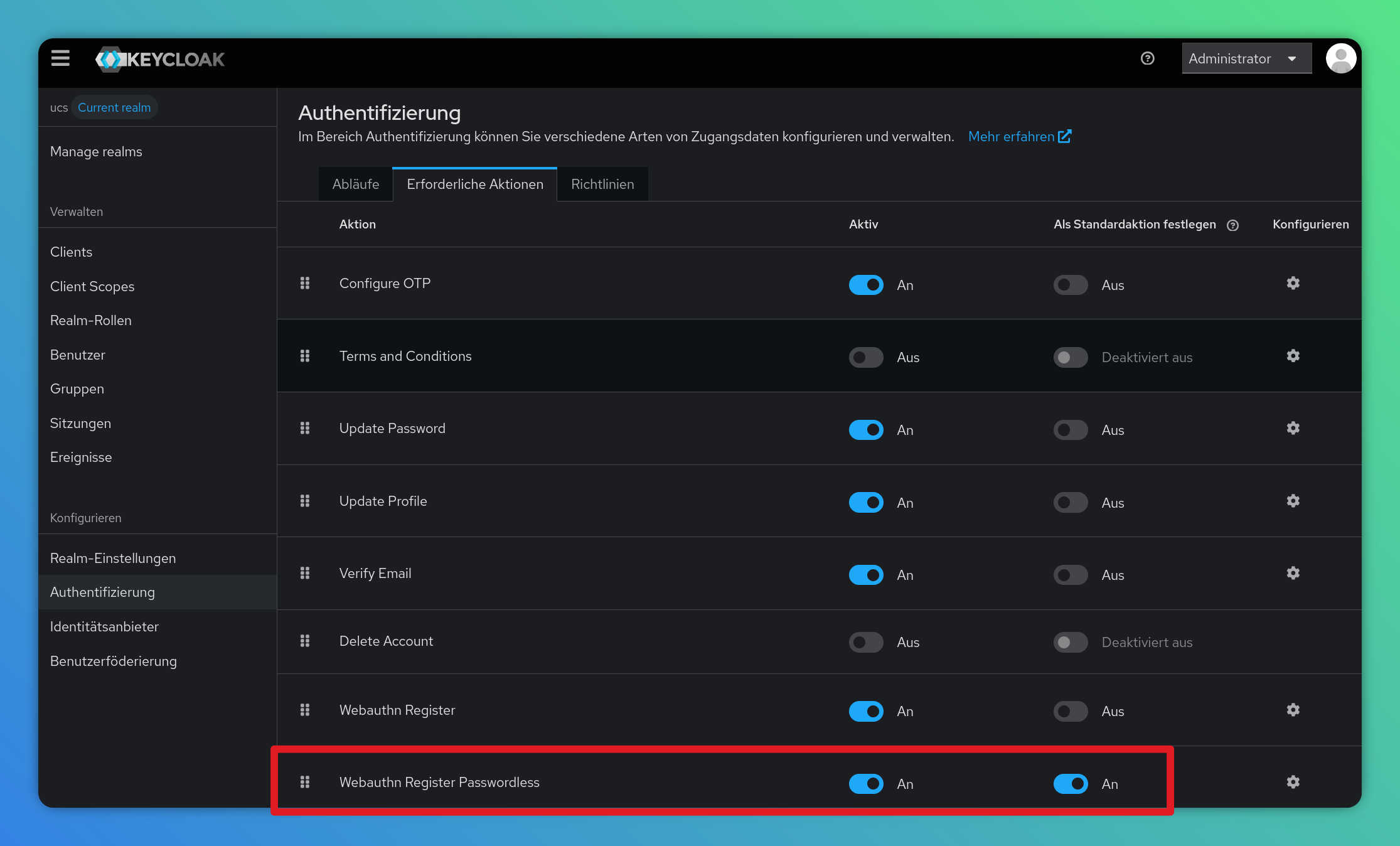
In Authentication → Required Actions: Check the box for “Webauthn Register Passwordless” under “Set as default action”.
-
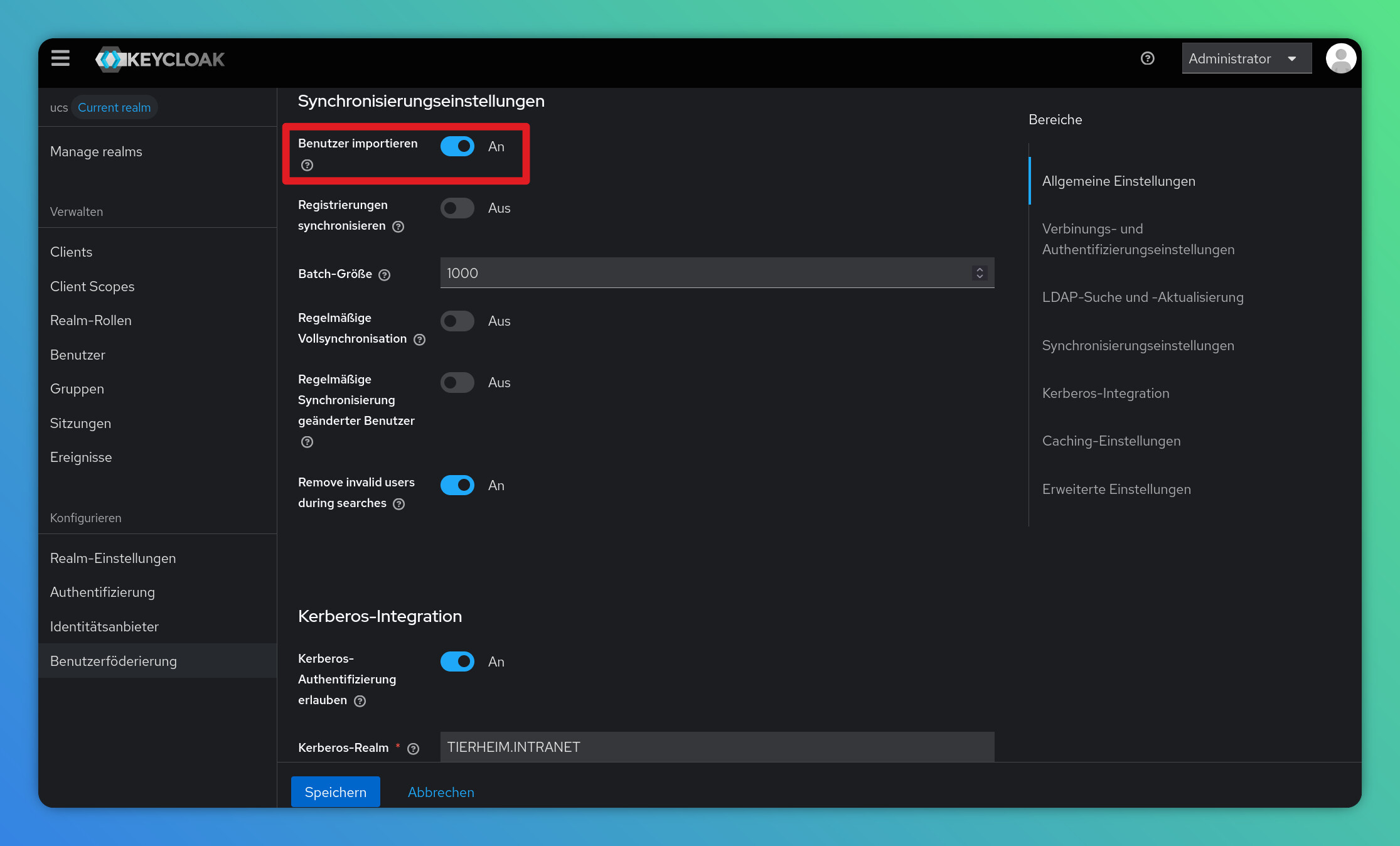
In User Federation → ldap-provider → Synchronization Settings: Check the box for “Import Users”.
-
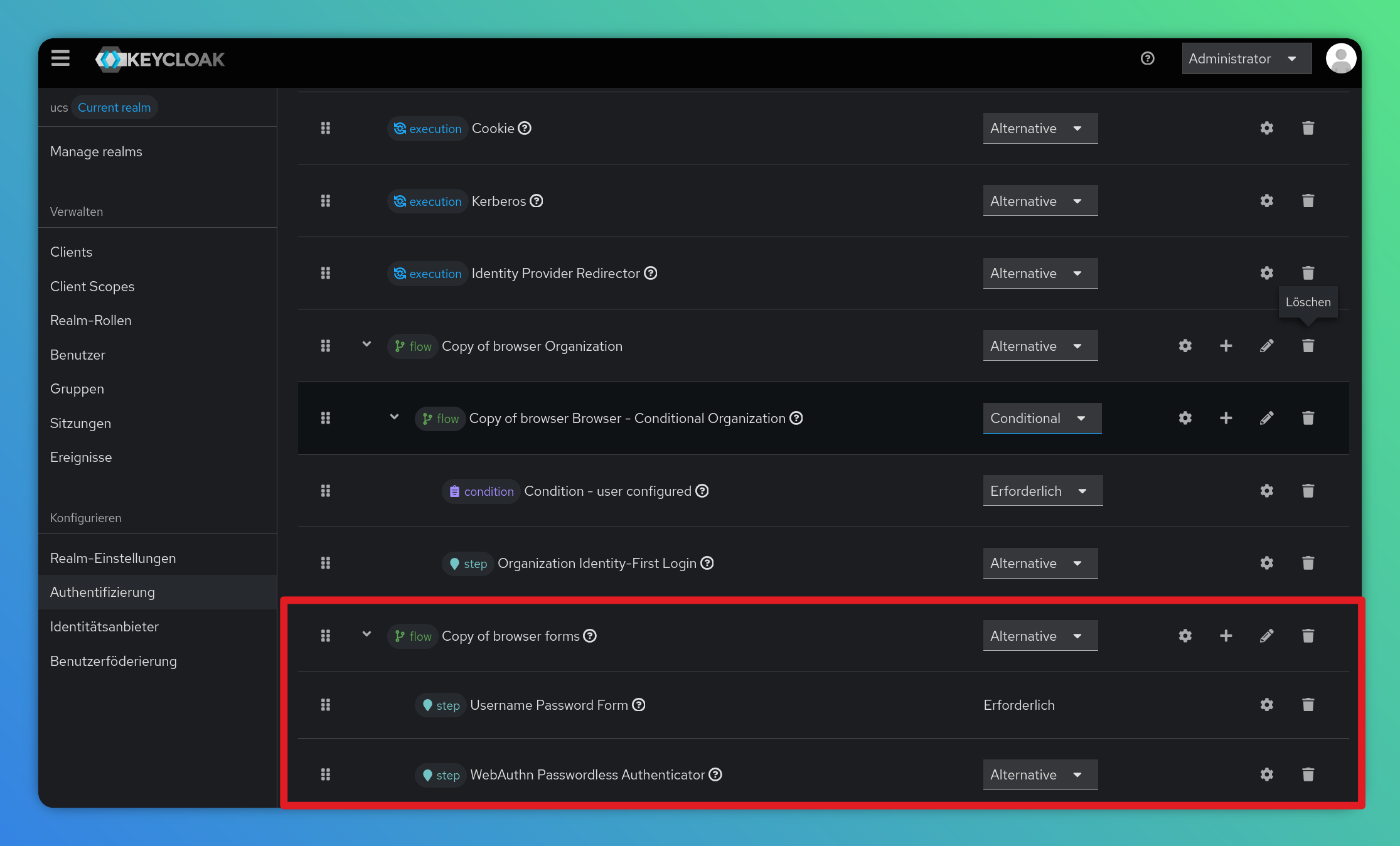
In Authentication → Flows: Duplicate the “browser” Flow and modify it to include the “Webauthn Passwordless Authenticator”, then bind this to the “Browser Flow”.
For information about flow creation and another example, please take a look at the Keycloak documentation. -
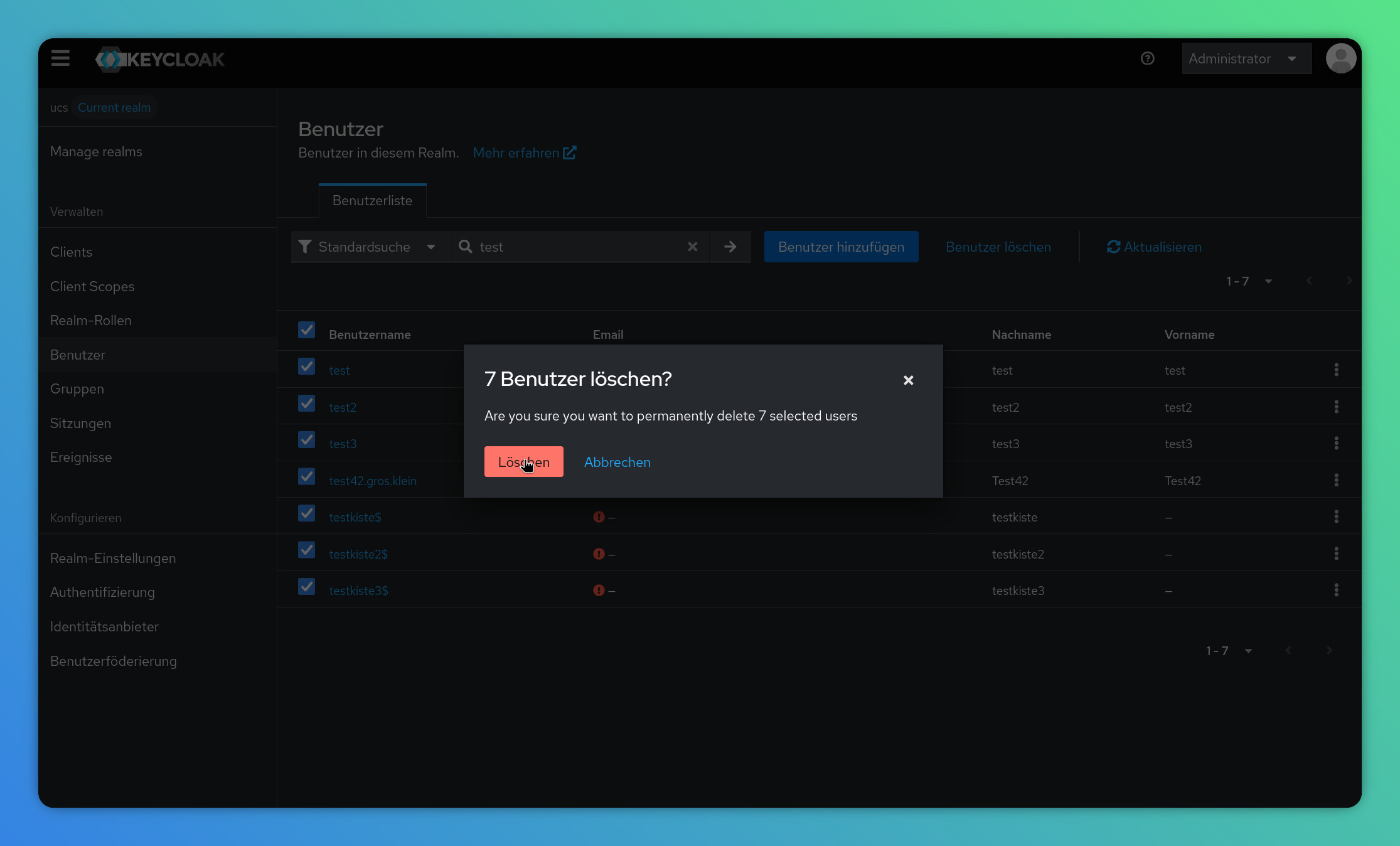
In Users: Delete the users who wish to register passwordless.
-
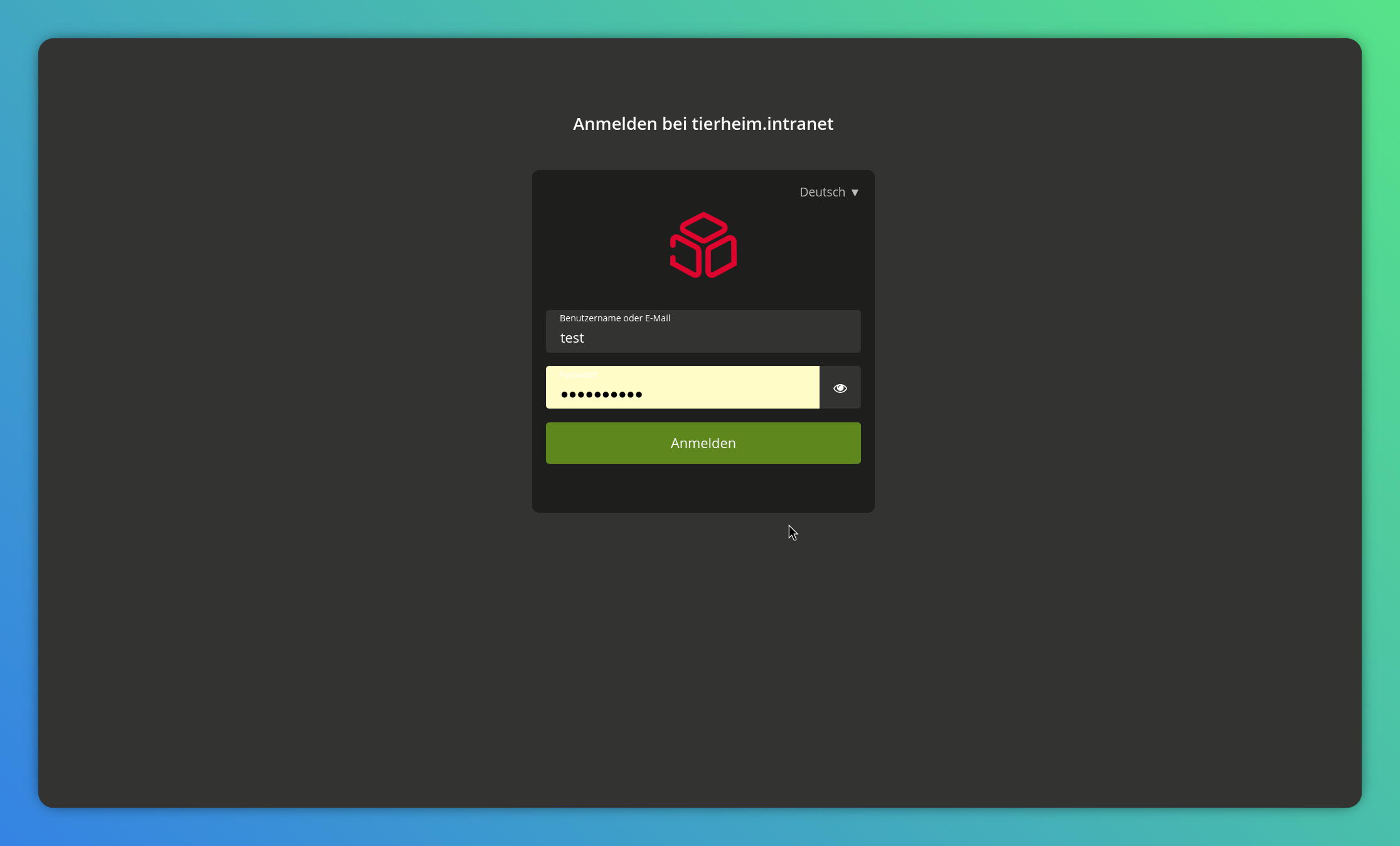
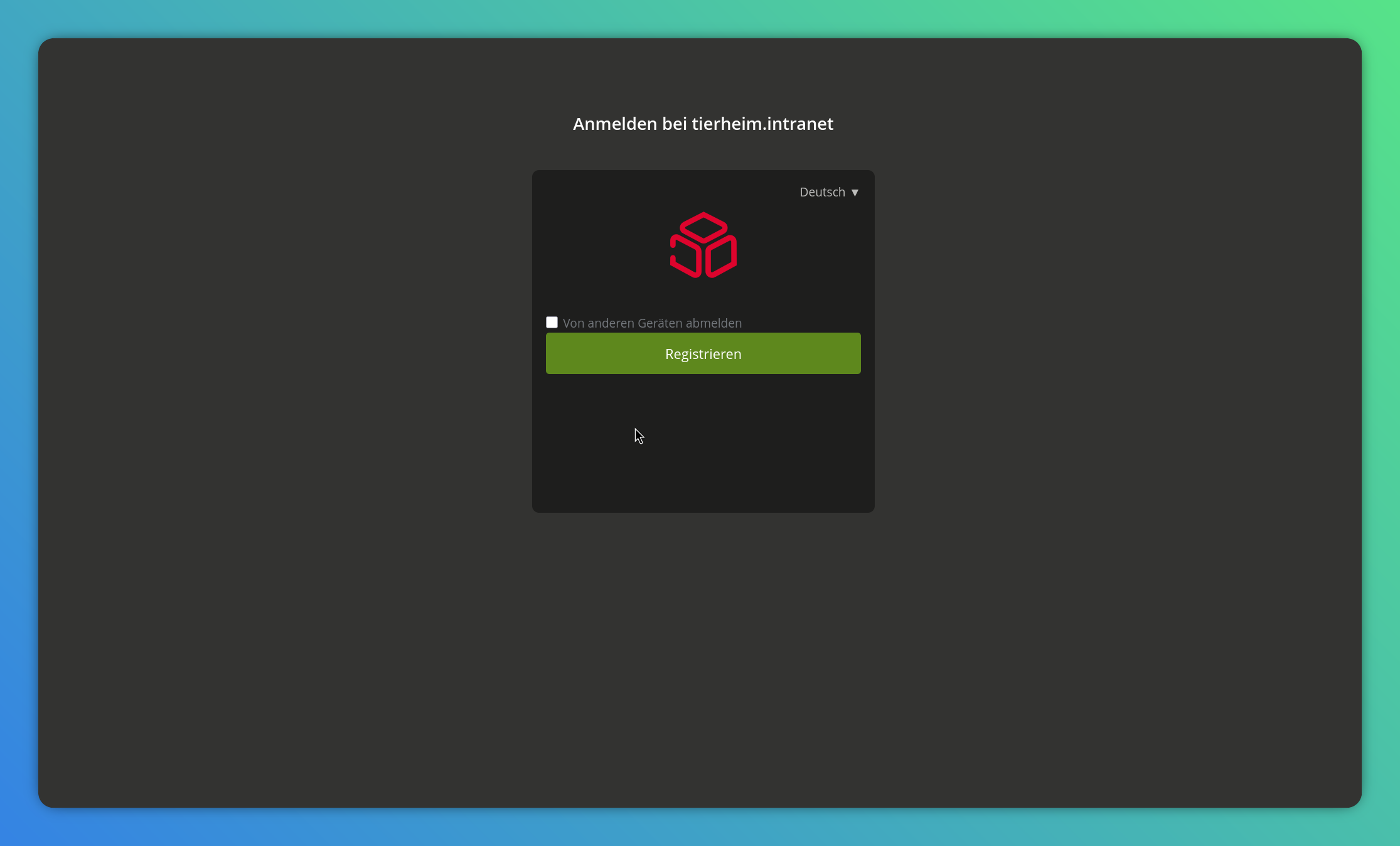
Log in with a user
and, after successful login, complete the WebAuthn registration.
If you don’t want to activate “Import Users”, please follow our feature request and look out for any changes there.