Problem:
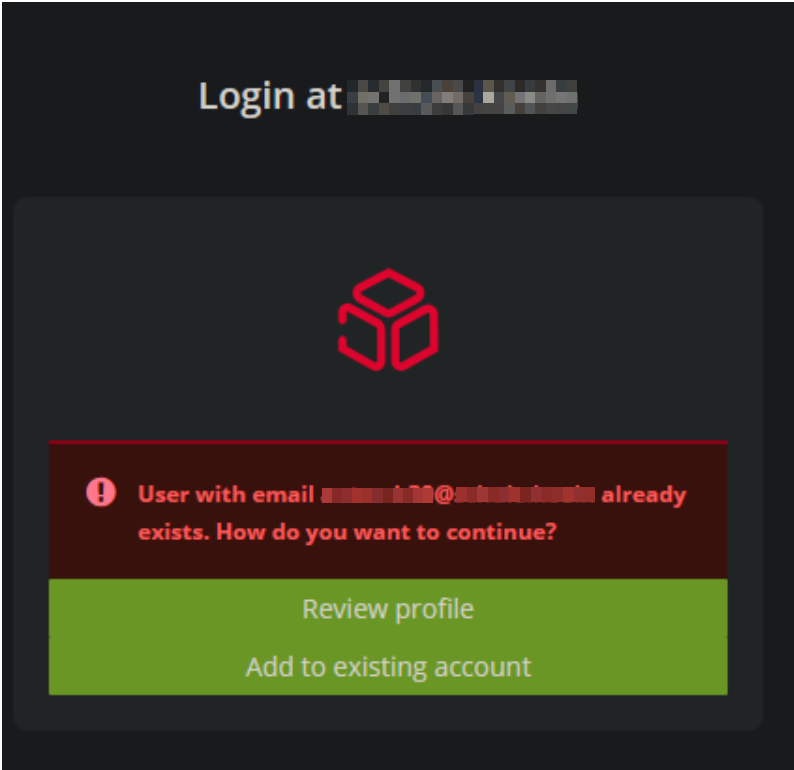
Logging in to the UCS portal works. But as soon as you click on the M365 tile, this window appears.
Environment:
This is a keycloak message, when the user was found twice in keycloak. You have more than one o365 connection, so additional reams in keycloak
Solution:
One issue could be that you have configured an additional ldap provider in the user federation. Therefor the users are additionally added in the o365 realm. This could collide with the mechanism of adding the users comming from the identity provider.
You can delete the users in the o365 realm and login again, this should fix the problem.
Possible cause: