Problem
Users are unable to log in to services through Single Sign-On (SSO) and receive the following error message:
“We are sorry… Invalid signature in response from identity provider”
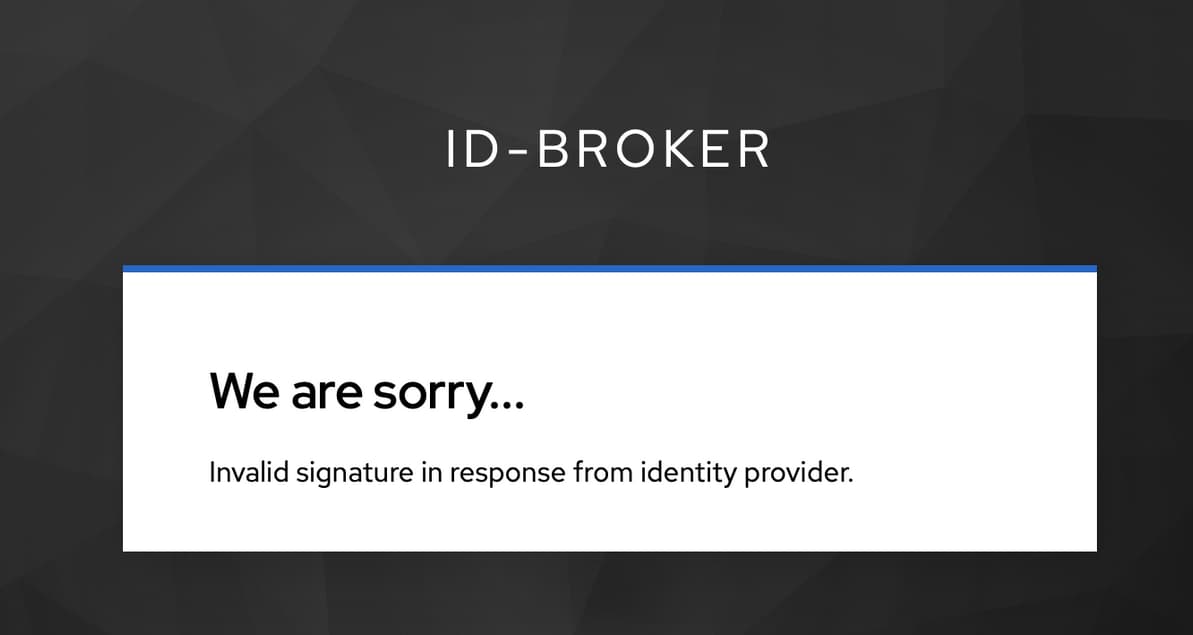
The issue occurs when users start the login process through an itslearning tile in the Univention Management Console (UMC). Authentication is redirected via SSO to the ID Broker, where the login process fails with the signature validation error.
The problem affects all users and all client devices.
Root Cause
The issue was caused by an incomplete SSO certificate renewal process.
A certificate used by SimpleSAMLphp was renewed successfully. However, the required join script was not executed afterwards:
92univention-management-console-web-server.inst
As a result, the updated SAML metadata containing the new signing certificate was not published correctly. The operators of the ID Broker were therefore unable to detect and import the renewed certificate on the broker side.
Since the ID Broker still trusted the previously imported certificate, signature validation failed during the SAML authentication process, resulting in the error:
“Invalid signature in response from identity provider”
Investigation
The error message suggested a potential certificate-related issue, but this assumption first had to be verified.
Initial observations showed:
- The issue affected all users.
- The issue occurred on all client devices.
- Similar login problems in the past had been caused by certificate mismatches.
Review itslearning Integration Logs
Additional information can be collected from the following log file:
/var/log/univention/listener_modules/itslearning.log
Further information about relevant itslearning log locations can be found in the following article:
Verify ID Connector Communication
As part of the troubleshooting process, the ucsschool-idconnector Docker container was restarted and its logs were monitored.
univention-app logs ucsschool-idconnector
The logs confirmed that the backend connection to the ID Broker was established successfully.
Additionally, a test user was synchronized directly through the UCS@school ID Connector to verify communication with the ID Broker.
The procedure is documented in the following section of the UCS@school ID Broker documentation:
The successful synchronization confirmed that the connection between the UCS@school environment and the ID Broker was functioning correctly and that the issue was limited to the SAML authentication layer.
Monitoring Alert
The following monitoring alert on the ID Broker side provided the decisive indication that the SAML signing certificate stored in the broker differed from the certificate published by the Identity Provider:
Host: sso-broker.ucs.univention-id-broker.com
Service: ID Broker SAML metadata IDP univention
Event: OK -> CRIT
Address: 10.189.32.83
Time: Mon Jun 01 14:41:52 CEST 2026

Summary:
SAML signing certificate differ in Keycloak database and at
https://portal.example.com/simplesamlphp/saml2/idp/metadata.php

Details:
SAML signing certificate differ in Keycloak database and at
https://portal.example.com/simplesamlphp/saml2/idp/metadata.php(!!)
Cache generated 3 minutes 42 seconds ago, cache interval: 1 hour 0 minutes,
elapsed cache lifespan: 6.16%
This alert confirmed that the certificate known to the ID Broker no longer matched the certificate currently published by the Identity Provider.
Solution
The SSO certificate was renewed again and the required post-renewal steps were executed correctly.
Refresh SimpleSAMLphp Metadata
rm -f /usr/share/univention-management-console/saml/idp/*.xml

eval "$(ucr shell ucs/server/sso/fqdn)"

ucr set umc/saml/idp-server="https://${ucs_server_sso_fqdn}/simplesamlphp/saml2/idp/metadata.php" || echo 'Failed!'

service univention-management-console-web-server restart

univention-run-join-scripts --force --run-scripts 92univention-management-console-web-server.inst
Important
Executing the join script is a mandatory step after renewing the SSO certificate.
univention-run-join-scripts --force --run-scripts 92univention-management-console-web-server.inst
Without this step, the updated metadata may not be published correctly and external federation partners such as the ID Broker may continue using an outdated signing certificate.
The certificate renewal procedure is documented in the following article:
Result
After the SSO certificate had been renewed correctly and the join script had been executed, the monitoring system of the ID Broker detected the certificate change.
The ID Broker operators subsequently imported the new certificate into their environment. Once the updated certificate was available on the broker side, SAML signature validation succeeded again and the itslearning SSO login worked as expected.
The issue was therefore resolved by ensuring that the renewed SSO certificate was properly published and synchronized with the ID Broker.