Problem:
Self-service password change only for logged in users
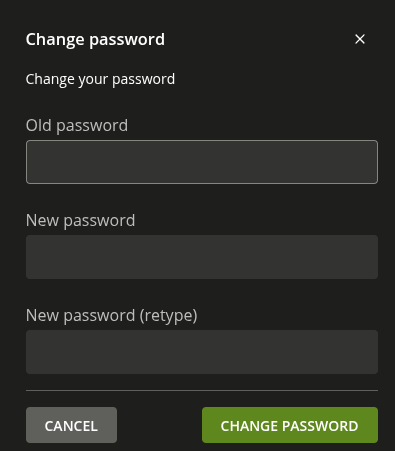
If you have created a tile for the self-service “change password”, this tile is shown even, if the user is not logged in. But the self-service assumes that the user is already logged in, and only shows the password change input fields but no username. So using the tile is not possible.
Solution.
You do not want all users in a group, to show the tile dependent of the group. You can use the special group “authenicated users” which is also a selectable group, without putting any user in it.
