How can a custom logo be configured?
Requirements:
78x78 px or 100x100 px picture in svg format. You can also use a png, should also be about 100 x 100 pixel
Step 1
Copy your picture to /usr/share/univention-web/js/dijit/themes/umc/images/
cp Eule100.svg /usr/share/univention-web/js/dijit/themes/umc/images/
Step 2
Copy one of our themes (dark.css, or light.css) to /usr/share/univention-web/themes/ as mytheme.css
cp /usr/share/univention-web/themes/dark.css /usr/share/univention-web/themes/mytheme.css
Step 3
Modify mytheme.css to your wishes. To add an other logo, especially for keycloak you have to add
- –login-background
- –login-box-background:
- –login-logo:
vim /usr/share/univention-web/themes/mytheme.css
  --color-portal-iframe-border: #5f5f5c;
  --color-portal-user-icon: #5f5f5c;
  --select-arrow-portal: url("data:image/png;base64,iVBORw0KGgoAAAANSUhEUgAAABgAAAAYCAYAAADgdz34AAAACXBIWXMAAA7DAAAOwwHHb6hkAAAAGXRFWHRTb2Z0d2FyZQB3d3cuaW5rc2NhcGUub3Jnm+48GgAAAGlJREFUSIntkjEKwCAMRb1Epb3/UdzEqQ49zuvQgCJFY+uYN2X4+Q9CnDMM4xUgAAnwiqyXbJgRRB5yTyLlWbJxRrABpyxewKHI7GrBSPK7vCdZVl5J6jvnZh4+wRfJ2vJGkrTvaxhG4QZrd94ATkf1aAAAAABJRU5ErkJggg==");
  --login-background: #5f5f5c;
  --login-box-background: #5f5f5c;
  --login-logo: url('/univention/js/dijit/themes/umc/images/Eule100.svg') no-repeat center;
Now your logo should be visible logging in using any of the login tiles, via menu or keycloak.
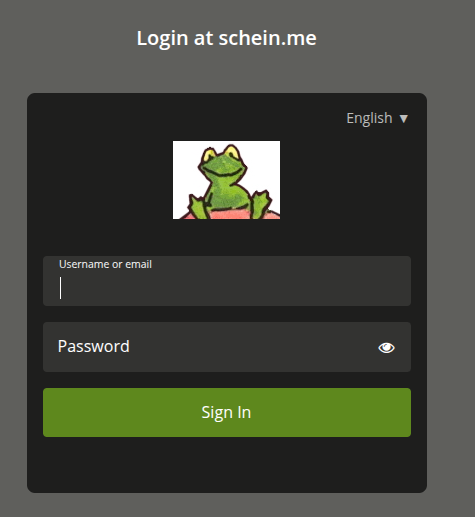
(png 107x94 pixel)
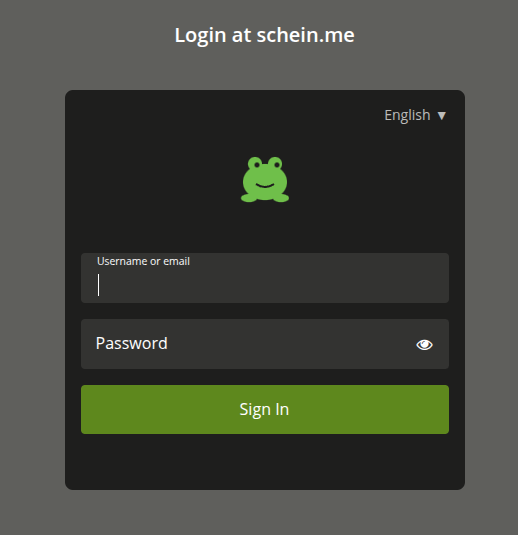
svg (78 x 78 pixel)
Maybe helpful: