also,
you can control who can see what in the portal by linking tiles to specific groups.
After reading your question again, I wonder if you are simply looking to make a user an UCS admin?
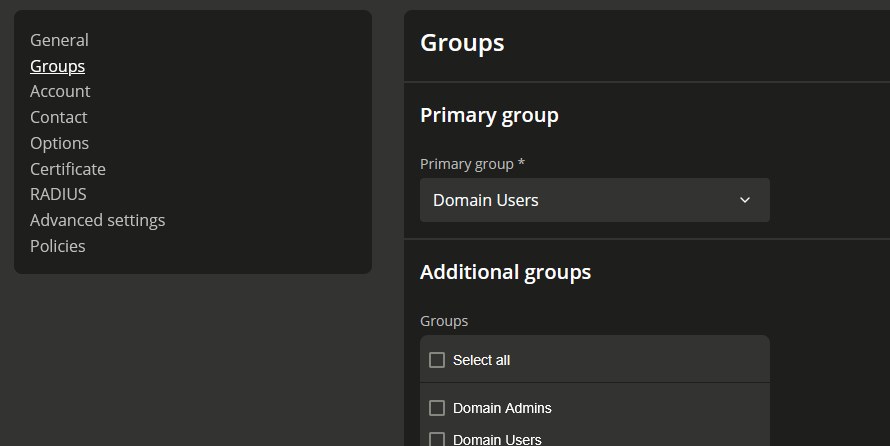
In this case, you go to user settings → groups and just tick “Domain admins” in the additional groups tab; sorted…
If you plan to allow that non admin user (a group of users) rights JUST to change/reset other users passwords RSAT is the only way.